// Android companion
Get AI Frame
on Google Play.
Pair your phone with your OpenClaw at home. One-time purchase.
Get it on Google Play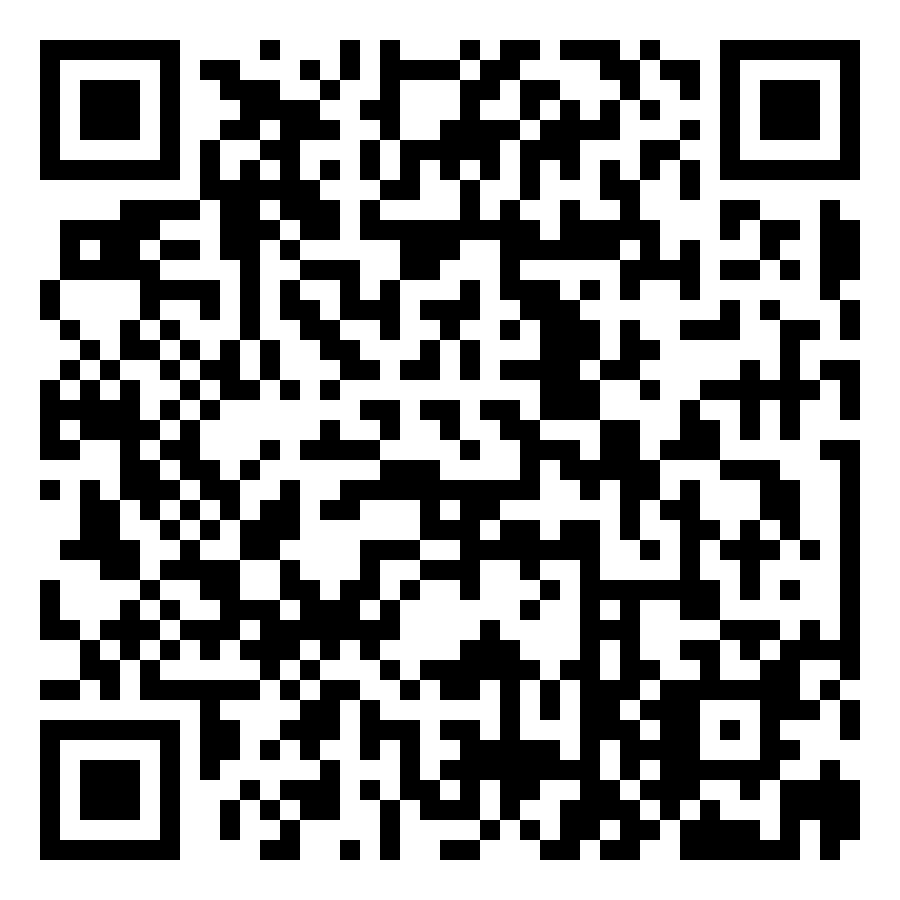
Scan with your phone
The PC half of the setup. Connects your phone to your AI running on OpenClaw. No account, no subscription, no middleman.
One installer. Extracts in seconds. Stays quiet in the system tray.
Your PC does the thinking, your phone is the interface. They meet over your own network.
> Pair once. Talk from anywhere.
Prerequisite. OpenClaw is the open-source runtime that loads the model. See the section below if you don't have it yet.
Run AIFrame_Setup.exe from above. It connects your phone to OpenClaw and lives quietly in the system tray.
Grab the mobile app from Google Play. Android 10+, works on tablets too.
Open both apps on the same Wi-Fi. The PC shows a QR code. Point your phone at it.
OpenClaw is the open-source AI platform that runs on your PC. AI Frame needs it running before it can connect. Install it first, it's free and takes about 5 minutes.
Recommended for AI Frame: Windows 10+, OpenClaw v2026.3.23 (most stable).
You'll need: Node.js 22.14+ (Node 24 recommended) and an API key from a model provider (Anthropic, OpenAI, Google, etc.).
Pair your phone with your OpenClaw at home. One-time purchase.
Get it on Google Play
Phone can't find your PC? For pairing, both devices need to be on the same Wi-Fi network. Make sure Windows Firewall allows OpenClaw.exe on private networks.
Still stuck? Check the setup guide or write to us below.
Write to us here or get in touch on our Discord.